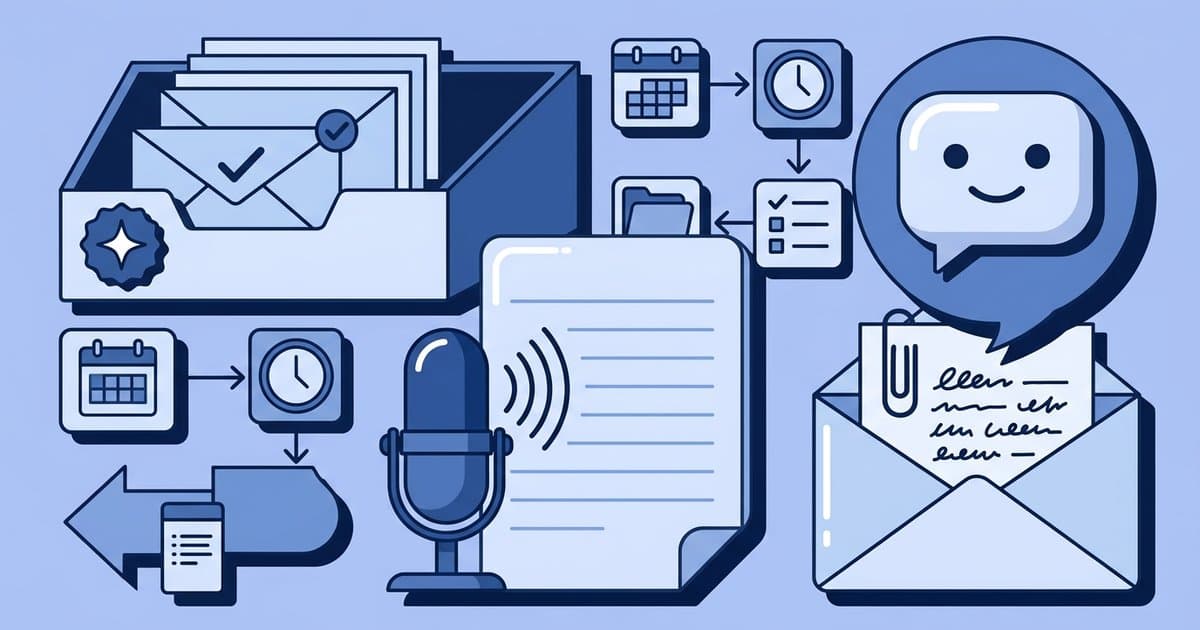
Best AI Tools for Small Business Admin 2026
Start with ChatGPT for writing, Otter for meeting notes, Grammarly for polishing customer-facing text, and Zapier for moving information between apps. For most small businesses, that is the simplest stack that saves real time without locking you into an expensive all-in-one platform.
If you want the short version, here are my default picks for 2026:
- Best overall for small business admin: ChatGPT
- Best for meeting notes: Otter
- Best for email and customer replies: Grammarly plus ChatGPT
- Best for paperwork and data extraction: Microsoft Copilot if you already pay for Microsoft 365
- Best for connecting repetitive tasks: Zapier
The mistake I see most often is buying a big AI suite before you know where your time is actually going. If your real problem is answering the same 12 customer questions every week, you do not need six AI tools. You need one tool that drafts replies well, plus a simple process.
Which AI tools are actually worth paying for?
The ones worth paying for are the tools tied to a task you do every week. If a tool saves 2 hours a week, it usually earns its place. If it only creates nice-looking summaries you never use, cancel it.
Here is the practical shortlist.
ChatGPT is the best overall pick for small business admin
ChatGPT is the most flexible tool here because it handles email drafts, policy rewrites, customer reply templates, messy notes turned into action lists, and first-pass SOPs. If you only pay for one AI tool, this is the one I would start with.
What it is best at:
- Drafting customer service replies in your brand voice
- Rewriting confusing emails into clear ones
- Summarizing long notes into tasks
- Turning rough processes into step-by-step checklists
- Brainstorming FAQ answers, refund scripts, and follow-up messages
Where it falls short:
- It can sound polished but still be wrong
- It should not be trusted alone for legal, tax, or HR wording
- It needs good prompts and examples to sound like your business
A simple prompt that works well:
Rewrite this customer reply so it is warm, clear, and under 120 words. Keep the tone professional. Include the refund timeline, apologize once, and end with the next step.
If you are new to AI, ChatGPT gives the highest value per subscription because it can do five jobs reasonably well before you buy specialized tools.
What is the best AI tool for email and customer service?
For most owners, the best setup is ChatGPT for drafting plus Grammarly for final cleanup. ChatGPT gives you speed. Grammarly helps catch awkward phrasing, tone problems, and small mistakes before you send.
Grammarly is especially useful if you or your team send a lot of short customer emails and DMs all day. It is less exciting than newer AI tools, but it prevents sloppy communication, which matters more than flashy features.
Use this workflow:
- Paste the customer message into ChatGPT.
- Ask for three reply versions: friendly, direct, and premium-service tone.
- Pick one and adjust any facts.
- Run the final version through Grammarly.
- Save your best replies into a canned-response library.
That last step is where the time savings compounds. After a month, you usually have reusable replies for shipping delays, refund requests, appointment changes, custom quotes, and onboarding questions.
What is the best AI tool for meeting notes?
Otter is the easiest default pick if you take client calls, team meetings, or discovery sessions and need searchable notes afterward. It solves a very specific problem well: remembering what was said, what was promised, and what needs to happen next.
What makes it useful:
- Live transcription during calls
- Automatic summaries
- Action items pulled from conversations
- Searchable past meeting records
The downside is simple: it is only valuable if you actually review and use the notes. If your meetings are rare or informal, this may be overkill.
For service businesses, agencies, consultants, and coaches, though, meeting summaries can save you from dropped tasks and awkward client follow-ups. If you sell any kind of custom work, good notes protect revenue.
What if your business runs on Microsoft 365?
If you already live in Outlook, Word, Excel, and Teams, Microsoft Copilot is the most practical paperwork tool. I would not switch your whole business just to get it, but if you already pay for Microsoft, it is the cleanest way to summarize emails, draft documents, and pull insights from spreadsheets in one place.
This is where AI becomes more than a chatbot. Copilot can help with:
- Summarizing long email threads
- Drafting proposals and internal docs in Word
- Pulling patterns or summaries from spreadsheets
- Creating recap notes from Teams meetings
The catch is cost and complexity. It makes the most sense for businesses that already have a Microsoft-heavy workflow. If you mostly run your business from Gmail, Google Docs, and a few lightweight apps, ChatGPT plus a meeting tool is usually a better value.
What is the best AI tool for repetitive admin tasks?
Zapier is the best pick when your problem is hand-copying information between apps. It is not the smartest writer on this list, but it saves time quietly in the background.
Good examples:
- New website form submission creates a task in your project app
- New lead in a spreadsheet triggers a follow-up email draft
- Customer inquiry gets tagged and routed by type
- Invoice paid in one app updates a client tracker in another
This is different from an AI writing tool. Zapier is about reducing clicks, copy-paste work, and dropped admin steps. If your day is full of repetitive computer tasks, pair this post with the best tools for automating repetitive computer work.
One warning: automation can create mess faster than humans if your process is unclear. Fix the workflow first, then automate it.
Do all-in-one AI tools make sense for small businesses?
Usually not at first. All-in-one AI suites sound efficient but often create bloat. You end up paying for features you barely touch, while the important tasks still need manual cleanup.
I would only consider an all-in-one platform if:
- You have a team using the same system daily
- You need shared templates and centralized admin controls
- You already know your biggest time drains
- You are replacing multiple paid tools, not adding one more
For solo owners and very small teams, separate best-in-class tools are usually cheaper and easier to understand.
How do you choose the right AI tool for your business?
Pick the tool that fixes your most expensive recurring annoyance.
Use this simple filter:
- Inbox overload: Start with ChatGPT
- Too many calls and forgotten follow-ups: Start with Otter
- Embarrassing typos or weak customer emails: Start with Grammarly
- Spreadsheet and document-heavy admin: Start with Microsoft Copilot
- Repeating the same computer steps every day: Start with Zapier
Then track one number for 2 weeks: minutes saved per day. If the tool is not clearly saving time, cancel it.
That sounds obvious, but it prevents the common small business pattern of collecting subscriptions and calling it productivity.
What should you not use AI for?
Do not let AI make final decisions on refunds, legal policies, contracts, hiring, sensitive complaints, or pricing exceptions without human review. AI is best as a first draft and sorting layer, not the final authority.
A good rule is this: if a mistake could cost trust, money, or compliance, check it yourself.
For example, AI can draft a privacy policy summary or help you rewrite customer-facing legal copy in plain English, but your actual legal documents still need proper review. If you are tightening up policies on your site, Iubenda is one of the few tools here that fits naturally because it focuses on legal and compliance documents rather than generic AI writing.
If your admin workload includes website forms, policy pages, and lead capture, it also helps to have the basics of your site set up properly. These guides on putting a website online and getting your first 100 email subscribers are a good next step.
My honest 2026 recommendation
If you want the safest default stack, use ChatGPT + Grammarly + Otter, and add Zapier only when you can point to a repetitive workflow that deserves automation. That setup is simple, learnable, and enough for most small businesses.
If you already run your business inside Microsoft 365 all day, swap in Microsoft Copilot for some of that work instead of forcing extra tools.
The best AI tools for small business admin in 2026 are not the ones with the longest feature lists. They are the ones that help you answer faster, forget less, and spend less time buried in low-value tasks.
Keep reading
Best Tools for Automating Repetitive Computer Work in 2026
The best automation tools for repetitive computer work in 2026, with clear picks for browser tasks, desktop actions, file handling, and app workflows.
Best AI Note-Taking Apps for Knowledge Management in 2026
Compare the top AI note-taking apps of 2026—Notion AI, Mem, Obsidian AI, Evernote AI, and Logseq AI—and learn step-by-step workflows to organize notes and save hours weekly.

How to Make Your First $1,000 With a Simple Website
A beginner plan for turning a simple website into your first $1,000 through services, leads, affiliate content, or a small digital product.