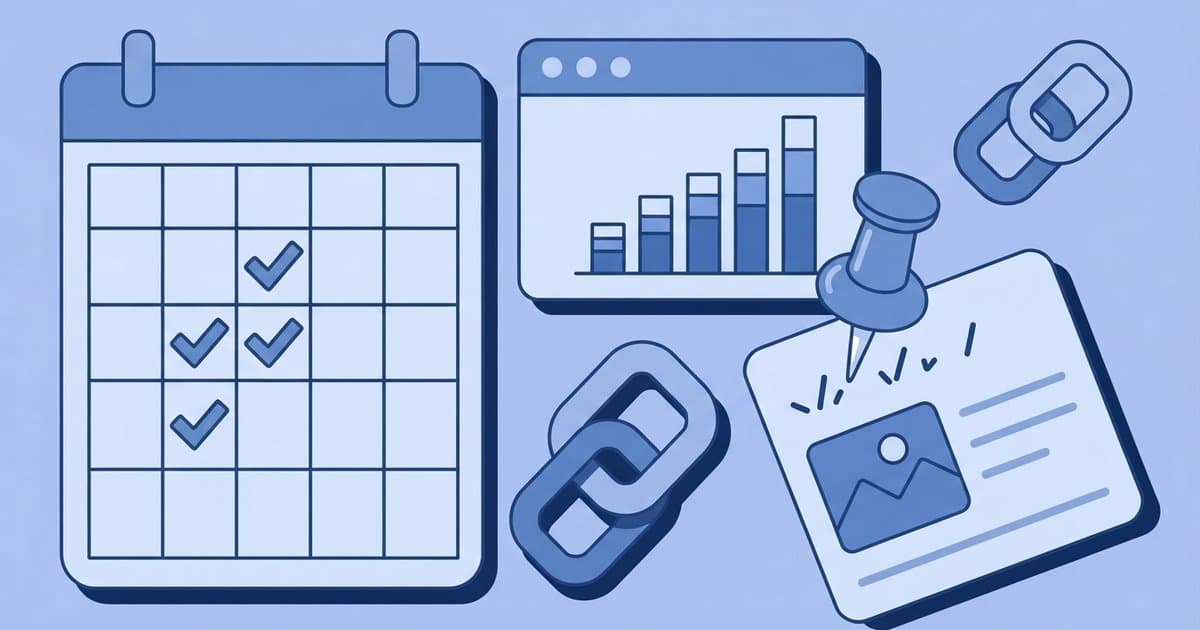
90-Day Blog Traffic Plan for Beginners
Publish 12 to 18 focused posts in one niche, create 2 to 3 Pinterest pins for each, and spend 90 days repeating that system before you judge whether your blog can get traffic.
Most new blogs stay at zero because they are too broad and too inconsistent, not because blogging stopped working.
Why do new blogs get no traffic?
New blogs usually get no traffic for three boring reasons: the topics are too competitive, there are too few posts to build trust, and nobody is actively distributing the content.
The usual pattern looks like this:
- You publish 3 to 5 posts.
- Those posts target huge topics bigger sites already own.
- You wait for Google to find you.
- You get discouraged before the site has enough depth to matter.
That is fixable. If your blog already exists but traffic is flat, these common traffic mistakes will help you spot what is slowing you down.
What should your first 90-day goal actually be?
Your goal is not to become a famous blogger in 90 days. Your goal is to prove that strangers will find and read your content.
For most beginners, that means aiming for:
- 12 to 18 published posts
- 3 content buckets only
- 2 to 3 Pinterest pins per post
- Basic pages live: Home, About, Contact, Privacy
- Google Search Console connected
- Internal links added between related posts
- One email signup form on the site
If you hit that output with decent topic selection, you will have enough data to tell whether the niche has traffic potential.
What should you set up before you publish?
Set up the site once, make it clean and usable, and move on. A fast plain site beats a pretty unfinished one.
For most beginners, WordPress is still the best default because it gives you room to grow into affiliates, email, and digital products later. If you need beginner-friendly hosting, Hostinger is a reasonable low-cost starting option, and SiteGround is a solid pick if you want a smoother managed experience. If you have not launched the site yet, this guide to putting a website online explains the basics in plain English.
Your minimum setup checklist:
- Install WordPress
- Choose a simple mobile-friendly theme
- Create Home, About, Contact, and Privacy pages
- Install one SEO plugin
- Connect Google Search Console and Google Analytics
- Create a Pinterest business account
- Add an email signup form below posts or in the sidebar
Do not spend week 1 changing fonts, colors, and button shapes.
How do you choose blog topics that can actually get visitors?
Choose topics around one narrow reader problem, not a giant lifestyle category. Specific problems get traffic faster than broad inspiration posts.
Use this simple formula:
How to + specific result + specific person or situation
Examples:
- How to meal plan for a family of 4 on a budget
- Best budget desk setup for online college students
- How to get traffic to a new blog in a small niche
For your first 90 days, stay inside 3 content buckets only. If your site is about blogging, your buckets might be:
- Blog setup
- Blog traffic
- Blog monetization basics
Then publish 4 to 6 posts in each bucket. If you want a better method for picking posts, this post planning system is the next useful step.
What is the exact 90-day blog traffic plan by week?
Use this as your default schedule. It is simple enough to follow and specific enough to remove guesswork.
| Week | Main job | Post target | Pinterest target | Extra task |
|---|---|---|---|---|
| 1 | Site setup + outline posts | 0 to 1 | 0 | Set up WordPress, pages, Search Console, Pinterest |
| 2 | Publish foundation content | 2 | 4 to 6 | Add email signup form |
| 3 | Publish and interlink | 1 to 2 | 2 to 6 | Link posts to each other |
| 4 | Publish and improve titles | 1 to 2 | 2 to 6 | Check indexing in Search Console |
| 5 | Publish around same cluster | 1 to 2 | 2 to 6 | Refresh older post intros if weak |
| 6 | Publish and distribute | 1 to 2 | 2 to 6 | Save pins to relevant boards |
| 7 | Publish and review early data | 1 to 2 | 2 to 6 | Note posts getting impressions |
| 8 | Publish supporting posts | 1 to 2 | 2 to 6 | Add internal links from older posts |
| 9 | Publish deeper subtopics | 1 to 2 | 2 to 6 | Improve weak headlines |
| 10 | Publish and test pin angles | 1 to 2 | 2 to 6 | Make fresh pins for best posts |
| 11 | Double down on traction | 1 to 2 | 2 to 6 | Expand topics already moving |
| 12 | Review and adjust | 1 | 2 to 3 | Decide which bucket deserves the next 90 days |
That schedule gets you to roughly 12 to 18 posts and 24 to 54 pins by day 90.
What should you do in days 1 to 30?
Get the site functional and publish your first 6 posts. The first month is about building a base, not chasing perfect optimization.
Your first 6 posts should usually include:
- 2 how-to posts
- 2 list posts like best tools or best options
- 1 mistakes post
- 1 question post based on a specific beginner problem
By day 30, every post should have:
- One clear keyword topic
- A useful headline
- Scannable subheadings
- At least 2 internal links where relevant
- One email signup prompt
- 2 to 3 Pinterest pins
What should you do in days 31 to 60?
Publish another 4 to 6 posts and stop treating Pinterest like an afterthought. This is usually when impressions start before clicks do.
For each new post:
- Publish it.
- Add links from older related posts.
- Create 2 to 3 fresh pins with different headline angles.
- Check whether Google indexed it.
- Track whether impressions begin within a few weeks.
If traffic is still tiny here, that is normal. What matters is whether impressions are increasing and whether one or two topics are starting to separate from the rest.
What should you do in days 61 to 90?
Write more of what is showing signs of life. Do not pivot too early if one topic cluster is finally moving.
Look for:
- Posts getting Google impressions
- Pins getting saves or outbound clicks
- Topics that hold readers longer
- Posts that are easier to update or expand
Then create supporting posts around those winners. If one post about beginner Pinterest traffic starts getting attention, write closely related posts before jumping to a completely different topic.
How should beginners use Pinterest in this plan?
Use Pinterest as a search engine. Every pin should match a real query and lead to a post that answers that query clearly.
Your basic workflow is:
- Publish the post.
- Pull 2 to 3 keyword angles from the topic.
- Make 2 to 3 pin designs with different headlines.
- Link them to the same post.
- Save them to relevant boards over time.
Good pin headline angles for this topic would be:
- 90-day blog traffic plan for beginners
- How to get traffic to a new blog
- Why new blogs get no traffic
If your pins get impressions but not clicks, the problem is usually mismatch between the pin promise and the post. This Pinterest traffic guide explains that part well.
How much traffic should you expect in 90 days?
Expect early signals, not life-changing traffic.
Some beginners will see only a handful of clicks at first. Others may start seeing steady impressions and a few dozen to a few hundred visits by the end of 90 days. A stronger result is possible in easier niches or with faster publishing, but it is not something to assume.
The better question is whether you see proof that the system is working:
- Google impressions are rising
- A few posts rank better than others
- Pinterest is sending at least some outbound clicks
- One topic cluster is clearly stronger than the rest
Those are the signs to care about first.
What should you avoid in the first 90 days?
Avoid any task that feels productive but does not increase published content or distribution. Beginners lose months to fake progress.
Skip these for now:
- Paying for custom branding
- Redesigning the site repeatedly
- Writing random trending topics outside your niche
- Buying traffic
- Trying YouTube, TikTok, Instagram, and Pinterest all at once
- Obsessing over affiliate earnings before traffic exists
Your first job is simple: publish useful posts people can actually find.
What is the best weekly routine to keep this going?
Use a repeating weekly system so you do not rely on motivation.
A practical routine looks like this:
- Day 1: Keyword research and outline
- Day 2: Draft the post
- Day 3: Edit and publish
- Day 4: Create 2 to 3 pins
- Day 5: Add internal links and check Search Console
- Day 6: Start the next outline
If you can only publish one post a week, do that consistently. If you can publish two without lowering quality, even better.
How do you know if the plan is working?
Track five numbers every week in a spreadsheet:
- Posts published
- Google impressions
- Google clicks
- Pinterest outbound clicks
- Email subscribers gained
If posts are going live but impressions stay flat after 6 to 8 weeks, your topics are probably too broad or too competitive. If impressions rise but clicks do not, improve titles and pin headlines. If clicks rise but nobody subscribes, improve the match between the post topic and your email offer.
That is the first 90-day blog traffic plan in plain English: publish focused content, support every post with Pinterest, link related articles together, and measure progress by signals instead of impatience.
Keep reading
Top 7 Fixes for a New Blog With No Traffic
No traffic yet? These 7 blog fixes help beginners find the real problem, improve SEO, and start getting views without publishing blindly.
How to Plan Blog Posts That Rank and Earn in 5 Steps
Learn how to plan blog posts that rank and earn in 5 steps, with better keywords, post types, CTAs, and a simple money-page strategy.
How to Get Pinterest Traffic That Actually Clicks
Learn how to get Pinterest traffic that actually clicks by matching pin keywords, titles, and landing pages to the exact result readers want.